A student just asked me how come her GC gave a different answer from the solution provided.
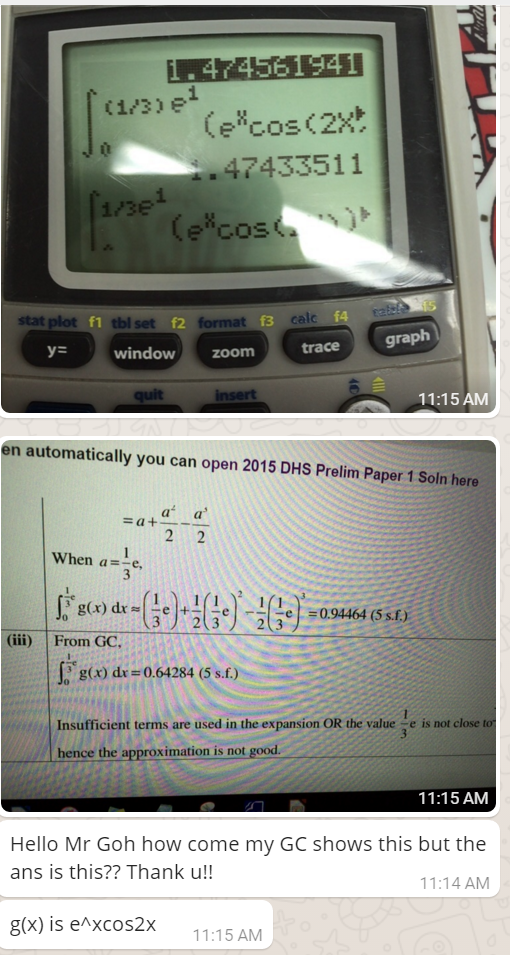
The reason is because her GC is set in degree mode instead of radian. For h2 math students, it is advisable to set your GC in radian mode. Else, there might be error when trigo is involved in definite integrals, small angle approximation, parametric curve sketching and complex numbers.
I always set the GC in radian mode and use another calculator fx-96 SG for degree.

 JC A Level H2 Math Tuition Singapore